Mechanical Design
Siemens CAD solutions for designing your products
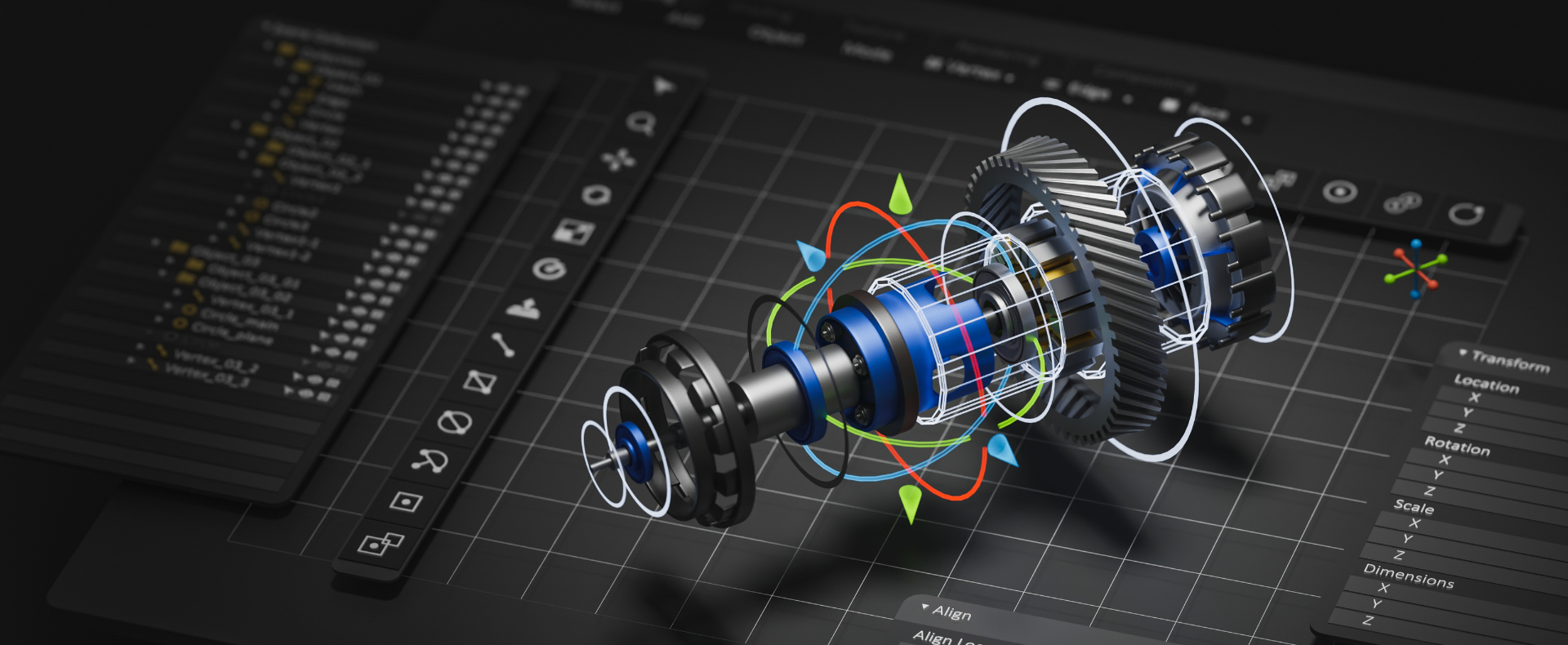
Siemens CAD solutions for designing your products
Mechanical design is a complex and multifaceted process that aims to create machines, tools, mechanical devices and complex products capable of meeting specific standards of functionality, efficiency and safety.
This process is not only limited to design, but also consists of careful analysis of the needs of the project, the selection of appropriate materials, the verification of performance through simulations and especially the’intervention of different actors (design department, production, purchasing department…).
The fundamental goal of mechanical design is the creation of products that are not only reliable, but also optimized for their specific applications. This discipline finds application in many industries, including: automotive, aerospace, defense and manufacturing.
During the design process, designers create 3D models with the help of Computer Aided Design (CAD) tools to visualize and refine their designs, which are then subjected to simulations to predict product behavior under various operating conditions. One of the most critical aspects of mechanical design is a solid understanding of the fundamental principles of mechanics such as: knowledge of forces, stresses and strains, as well as a deep understanding of materials and their properties;. Choosing the right material, in fact, can significantly affect the durability, efficiency and safety of the final product.

CAD (Computer-Aided Design) software is an indispensable tool for modern mechanical design: it enables designers to create detailed, precise 3D models of mechanical components, parts, and assemblies, replacing traditional drafting with intelligent, parametric digital environments.
Among the most complete solutions available on the market today is Designcenter, the Siemens product engineering suite distributed by Var Industries. With its Designcenter CAD and Designcenter NX CAD modules, it offers scalable, comprehensive work environments suited to both small and medium-sized businesses and large industrial enterprises, enabling them to manage the entire product development cycle with precision, speed, and full data interoperability thanks to integration within the Siemens Xcelerator ecosystem.
Key benefits of CAD software:
These features make 3D CAD software particularly strategic in technically complex industries such as automotive, aerospace, defense, and manufacturing, where precision, reliability, and compliance with specifications are essential requirements.
For organizations that need to integrate design with complex rules, configurations, and variants, the Designcenter suite offers dedicated features to guide and automate the generation of custom-configurable products—completing the CAD offering with a true end-to-end ecosystem for product engineering.
The choice of CAD software is determined by a number of crucial factors:
Designcenter is the Siemens Digital Industries Software portfolio that brings together NX and Solid Edge in a single design, manufacturing, and simulation environment, available both as a desktop version and as a cloud subscription (Designcenter X). These are not two competing products to choose between once and for all: they are two lines within the same suite, built on the same Parasolid geometric kernel, designed for different needs. Solid Edge is aimed at manufacturing SMEs working with sheet metal, frames, and medium-sized assemblies, while NX is built for those managing complex assemblies, multi-axis machining, and multidisciplinary simulations.
The advantage isn't having "one more CAD tool" — it's having CAD, CAM, and CAE that share the same model, so a design change automatically propagates to the machining path and flags where the previous simulation is no longer valid, instead of discovering it on the shop floor.
.png?h=1537&iar=0&w=1023&hash=48CAD31D7713FA33F7E588D002518B18)


.png?h=1080&iar=0&w=1920&hash=7DBD224A5EC9D6BB42051C02AEE04CDB&mw=16)

.png?h=790&iar=0&w=1920&hash=C74963EAAD8E75029E811AB09D312435&mw=16)
.png?h=790&iar=0&w=1920&hash=2F9D0591C33741738A7755C0F3D40001&mw=16)