Simcenter Simsolid
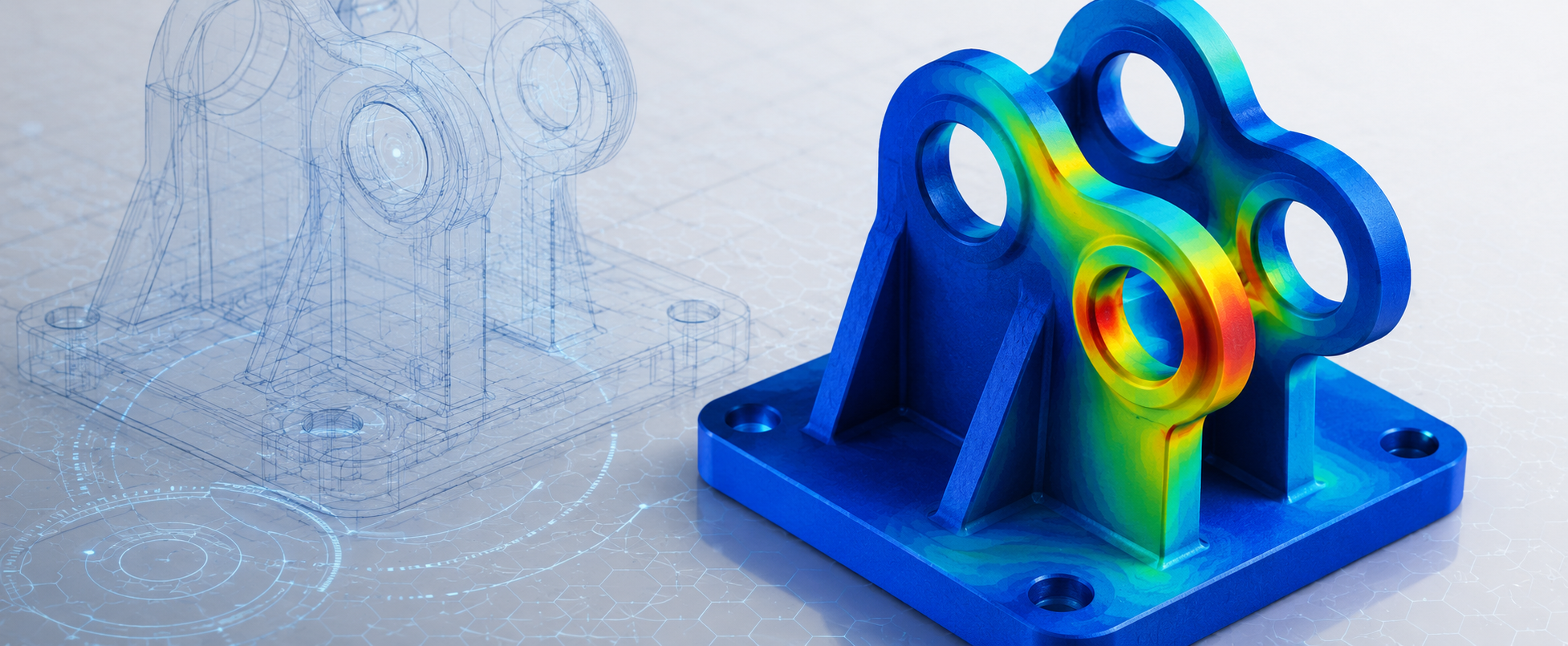
Numerical simulation has established itself as a strategic pillar of modern mechanical design. From the earliest concept stages through to final validation, structural analysis solutions make it possible to predict how a product will behave, reduce physical testing campaigns and speed up engineering decisions.
Anyone who works with FEM solutions, however, knows the main bottleneck in the process: mesh generation. Geometry simplification, defeaturing, contact definition and element quality checks take up a significant share of the analysis time.
Simcenter Simsolid answers this challenge with a "meshless" simulation technology that works directly on the CAD geometry, with no need to generate a traditional mesh.
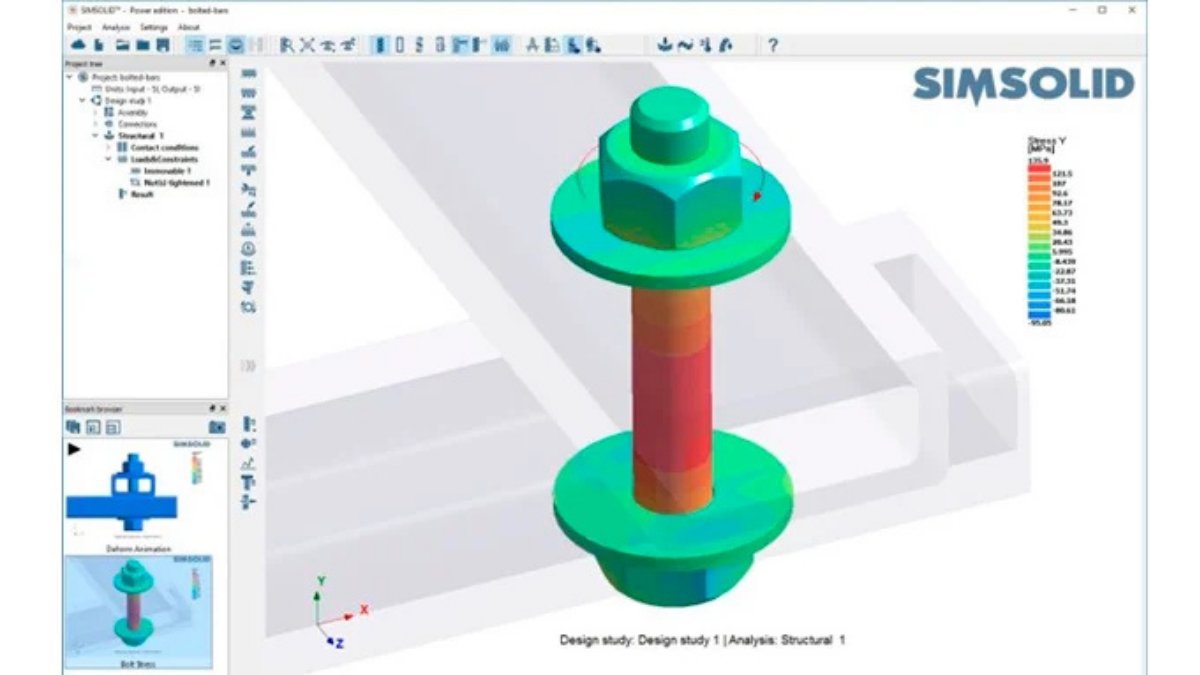
Contrary to what you might expect, "meshless" does not mean "without discretization". Simcenter Simsolid uses an adaptive volumetric discretization that removes the need for a traditional mesh built on a regular grid of finite elements.
Instead of defining nodes and connectivities, the software divides the CAD geometry into volumetric, surface and linear support regions, on which approximation functions are built. These functions represent the elastic behavior of the structure and adapt automatically in the areas where greater accuracy is required.
The result is an approach that does not depend on mesh quality and requires no changes to the original CAD geometry. Even complex models, with small fillets, threads, holes or manufacturing details, can be analyzed directly, avoiding model preparation and CAD cleaning work.
The Simcenter Simsolid solver is also iterative and adaptive: in areas with high stress concentrations, the software automatically introduces additional degrees of freedom, progressively improving the accuracy and quality of the solution.
.png?h=500&iar=0&w=800&hash=5BB5451E8635AA0AB9F10488E699D67D)
The first obvious advantage is the speed of model preparation. Analyses that would take hours of modeling with a traditional FEA code can be completed in a matter of minutes, or even seconds.
It is not only about the time saved during FEM modeling, though. The meshless technology in Simcenter Simsolid brings other significant advantages as well:
- Direct analysis on CAD: no geometry simplification, no idealization and no need for defeaturing.
- Complex assemblies: automatic handling of hundreds of parts, welded and bolted joints.
- Intelligent connections: automatic recognition of contacts and joints.
- Validated accuracy: NAFEMS studies and independent benchmarks show deviations of only a few percentage points compared with traditional FEA solvers.
- Fast iterations: the ability to evaluate multiple design alternatives in the time a single conventional analysis would take.
As an example, the model below shows a small assembly made up of beams manufactured from folded sheet metal and joined with bolts. The model was analyzed both in the Simcenter Femap FEM environment, using the Simcenter Nastran solver, and in Simcenter Simsolid.
.png?h=500&iar=0&w=800&hash=77115B0C57E71F8D8479183669E03875)
Since the geometry lends itself to different modeling approaches, the "traditional" FEM analysis was carried out using three different mesh types:
- Tetra10 elements: mesh generated automatically with 2 elements through the sheet thickness. The model was built with 124,000 nodes and 243,000 elements.
- Hexa8 elements: obtained by partitioning the bodies into simple geometries and using the Femap Hexa-Mesher. Here too, 2 elements were modeled through the thickness. The model was built with 34,000 nodes and 54,000 elements.
- Quad4 elements: obtained by extracting the mid-surface of the sheets with the Femap Midsurface command. The model was built with 16,000 nodes and 17,000 elements.
In all three cases, the preloaded bolts were represented with Beam elements connected to the rest of the model through RBE2 elements. Preparing the geometry needed to connect the bolts, and then modeling them, was in every case one of the most time-consuming stages.
Applying the same boundary conditions to the different models (constraints, load and bolt preload), the following results were obtained in terms of maximum deformation of the structure.
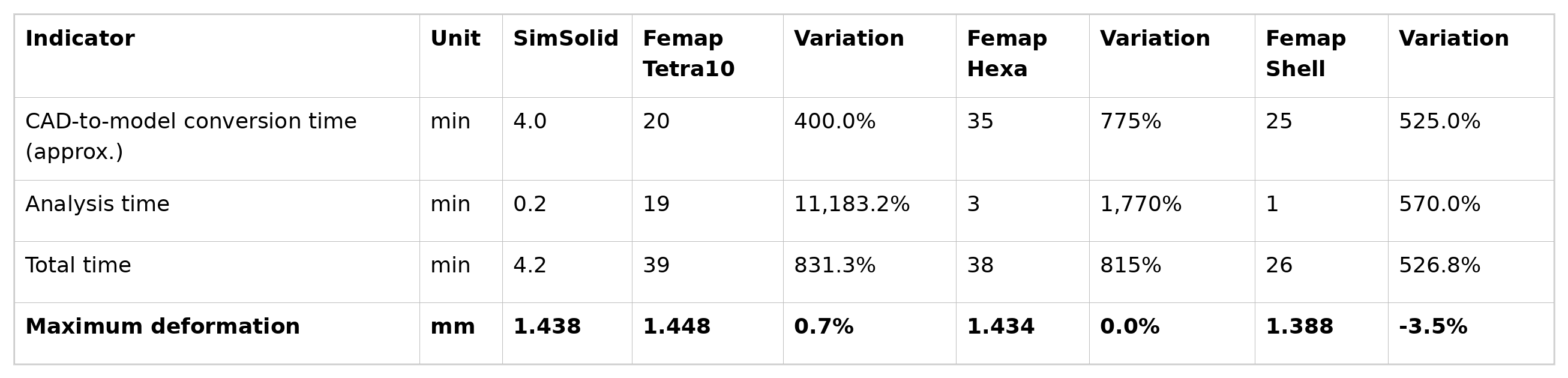
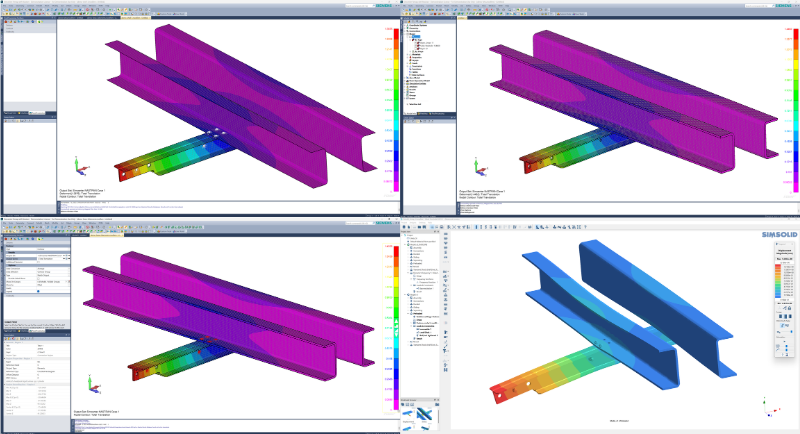
As the table shows, the results obtained with Simcenter Simsolid are in line with those of the two models built using solid elements, while the model built with shell elements shows slightly higher stiffness. This can be explained by the fact that the Nastran Shell element is inherently unable to represent stress and strain states that vary through the thickness.
In the bolt area, the preload introduces a stress state that tends to compress the sheet locally, and shell elements cannot fully capture this effect, which leads to a slightly approximate result.
It can therefore be said that the meshless method enables a considerably faster simulation workflow, without these simplifications having a significant impact on the accuracy of the results.
A number of studies and comparisons are available that examine the results produced by the Simcenter Simsolid meshless solver against traditional solvers. They range from more academic references, such as the validation models developed by NAFEMS, to industry-oriented comparisons, such as the benchmark carried out between Simsolid and SolidWorks Simulation..
Simcenter Simsolid is used across a range of sectors:
- Automotive and industrial machinery, where speed is a key factor in validating complex structures with welded or bolted joints.
- Product design, to evaluate concepts and optimize geometries in a short time.
- Architecture and construction, for the analysis of trusses, façades and complex steel structures.
- Fatigue and vibration analysis, thanks to the built-in modules for SN/EN assessments, including on welded joints.
Despite its versatility, Simcenter Simsolid is not yet in a position to replace traditional FEM analysis entirely. There are applications where its technology, robust and reliable as it is for linear stress analysis, comes up against certain limits.
In scenarios involving complex non-linearities, plasticity or transient dynamic analysis, for example, traditional methods remain essential. Even so, combining the two approaches already makes for a more efficient, iterative simulation workflow, shifting numerical validation further and further towards the early stages of the design process.
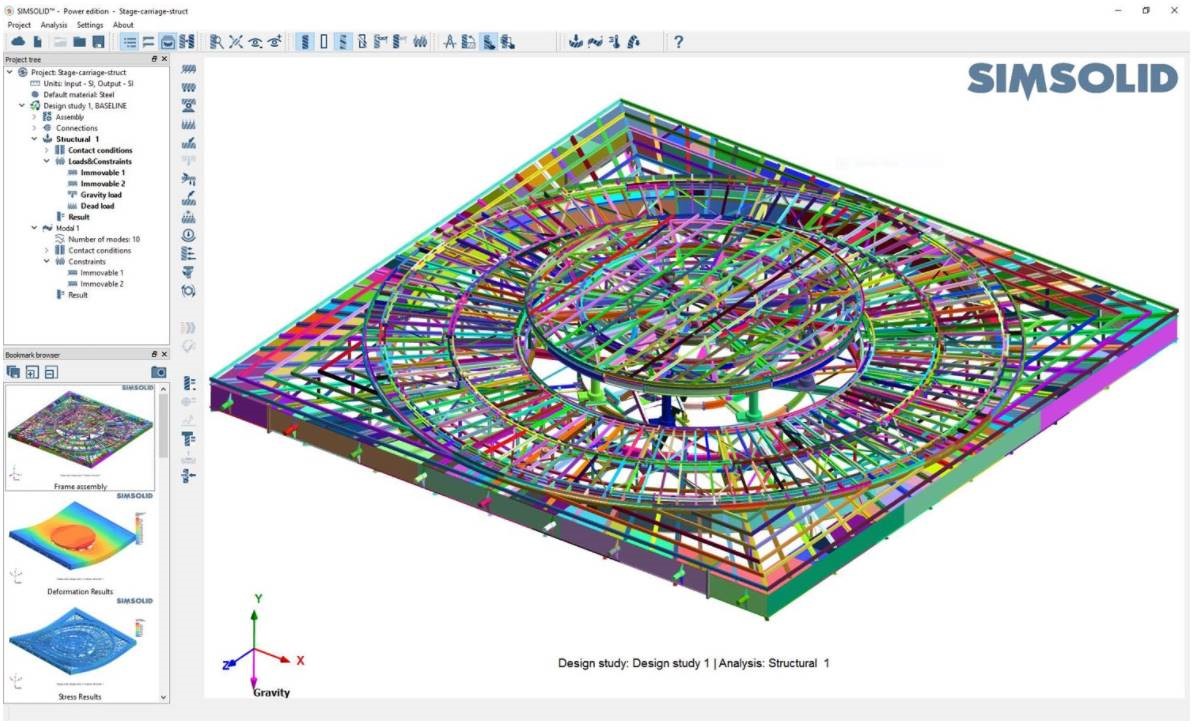
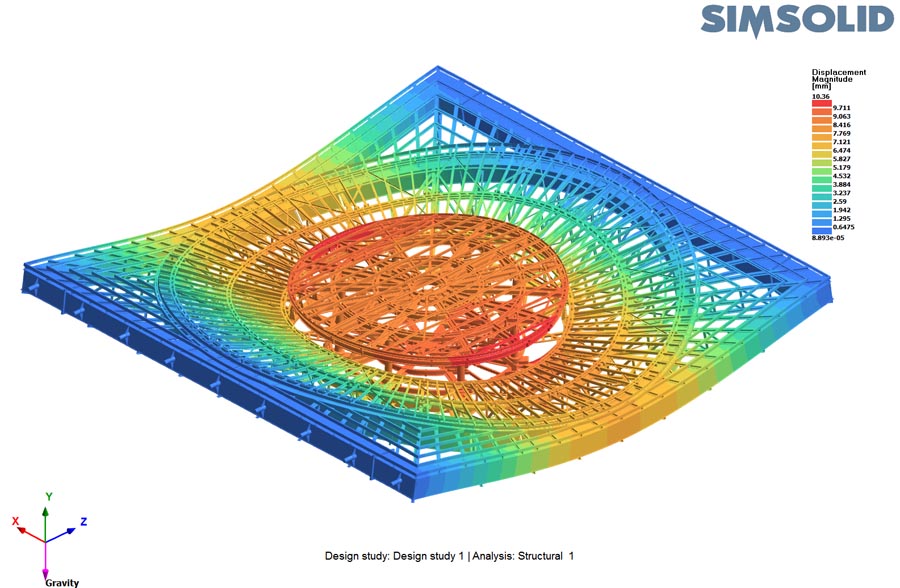
Many companies adopt it as a pre-analysis tool: it lets them quickly filter out the less promising alternatives and then concentrate their efforts on the solutions with the greatest potential during the final validation stage, using a traditional FEM approach.
This "hybrid" approach significantly reduces development times, encourages collaboration between designers and simulation engineers, and strikes a better balance between speed and accuracy.