.png?h=790&iar=0&w=1920&hash=21684F60A9503BF9F8A7D38000B91230)
Teamcenter PLM combines all electrical/electronic CAD data into a single product data management environment.
The CAD management functions for electrical components available in Teamcenter PLM enable you to automate engineering change, validation, and approval processes, speeding up cycle times and improving product quality.
This allows you to access, modify, and review product design, revision, and configuration data across different locations and extended supply chains.
This allows you to access, modify, and review product design, revision, and configuration data across different locations and extended supply chains.
How can you manage Electrical CAD data with Teamcenter?
The features of digital mock-up and validation provide real-time visibility into design changes. Designers will be able to validate changes for each configuration, as well as view, touch, section, analyze, and add markup. Thanks to version management functions and access controls, it is possible to ensure that the right people have the ability to access the right information.
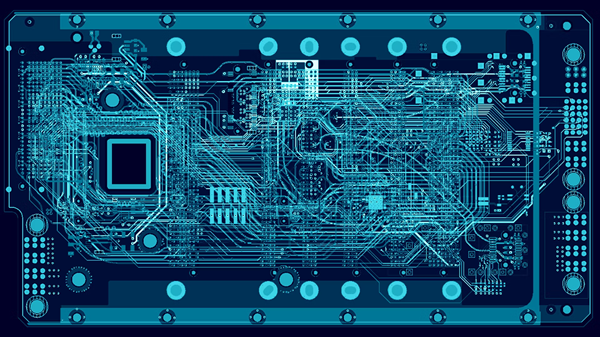
With which PCB Design systems does Teamcenter integrate?
PCB parts library management in Teamcenter
The management of the PCB parts library in Teamcenter provides a secure, enterprise-level source for managing PCB part definitions, including attributes and relationships.
You can import, consolidate, and manage part data from multiple ECAD tools, as well as link to supplier information and environmental compliance data.
Each office or functional manager can define workflow processes and user access privileges, ensuring complete incorporation of changes and eliminating the use of unapproved parts.
Automatic synchronization with local tool libraries ensures that everyone has access to accurate and consistent part information at all times.
You can import, consolidate, and manage part data from multiple ECAD tools, as well as link to supplier information and environmental compliance data.
Each office or functional manager can define workflow processes and user access privileges, ensuring complete incorporation of changes and eliminating the use of unapproved parts.
Automatic synchronization with local tool libraries ensures that everyone has access to accurate and consistent part information at all times.

Request more information or your personalized quote